 JianyingAPK
Slow Motion and Speed Ramping in Jianying, Explained Simply
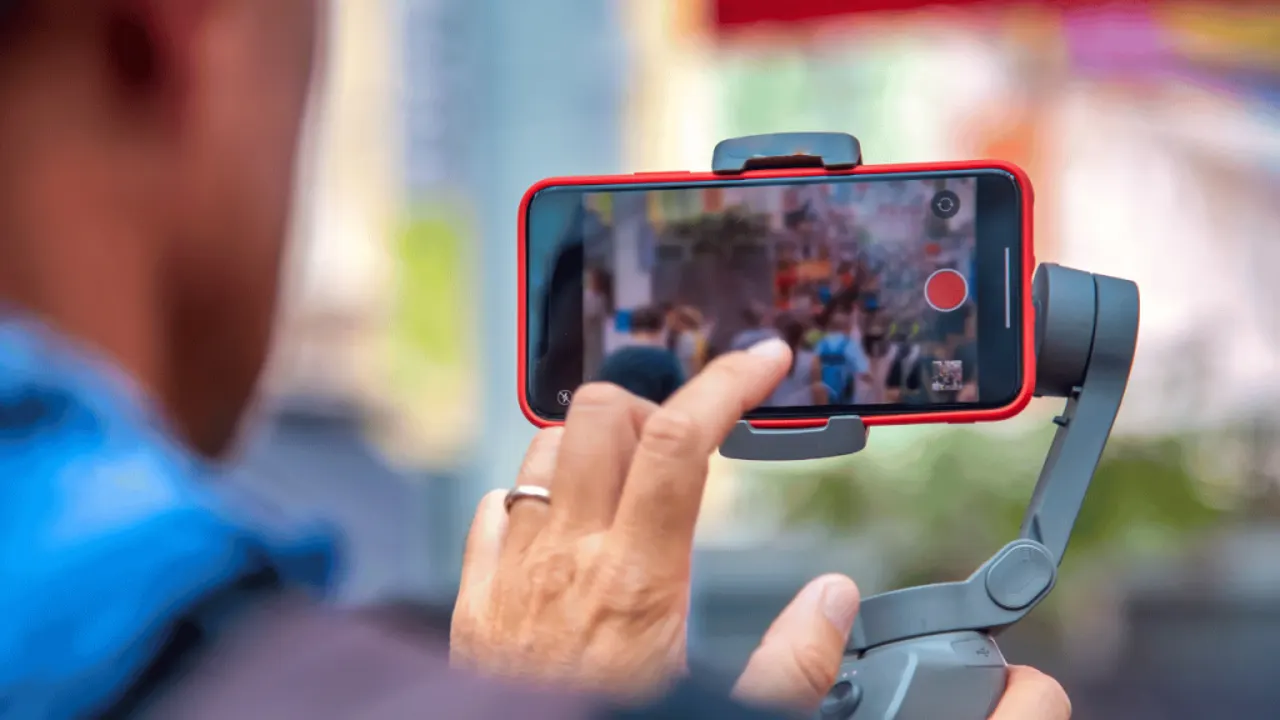
Slow motion is the easiest way to make ordinary footage feel expensive. A poured drink, a skateboard trick or a dog shaking off water all gain drama when time stretches. Jianying gives you two tools for it: a simple constant speed control, and curve based speed ramping that speeds up and slows down inside one clip.
This guide explains both, plus the frame rate rule that decides whether your slow motion is smooth or a stuttering mess. Everything here was tested with phone footage, because that is what most Jianying editors actually shoot. If you are new to the app, start with Jianying editor for the verified facts, screenshots and download information, then come back to this guide.
The frame rate rule comes first
Smooth slow motion needs extra frames. Footage shot at 60 frames per second can play at half speed and still show 30 fresh frames each second, which looks clean. Footage shot at 30 frames per second slowed to half speed must invent or repeat frames, and movement turns steppy. Before an important shoot, set your camera to 60 fps, or 120 fps if your phone offers it, whenever slow motion is the plan.
In Jianying, select the clip, open the speed tools, and set a constant speed like 0.5x for a simple slow down. The clip lengthens on the timeline as it slows, so leave room after it or trim neighbouring clips to make space.
Curve ramping for drama
Speed ramping changes speed inside the clip: normal pace, a slow highlight, then back to normal. Jianying's curve editor shows a line you can pull down to slow a section or raise to speed it up, and preset curves handle common patterns like a sudden slow moment in the middle. Place the slowest point exactly on the action peak: the splash, the landing, the reveal.
Smooth the curve around your changes. Sharp corners in the curve create visible lurches in the footage, while gentle slopes feel like a camera operator easing into the moment. Preview the ramp several times; the eye forgives a lot in stills and nothing in motion.
Readers working through this topic usually also need our walkthrough on keyframe animation in jianying: a practical beginner guide, which covers the neighbouring step in the same workflow.
Sound, stabilisation and other details
Slowed footage usually sounds wrong, because pitch drops with speed. Mute the slowed clip's audio and lay music or a designed sound under it, or keep a short burst of natural sound at normal speed before the ramp. Shaky footage shakes more in slow motion too, so run stabilisation on the clip before ramping, and prefer clips shot with a steady hand or a gimbal for your hero slow shots.
Held frames are a valid ending: let the ramp settle into a near freeze on the best frame for half a second, then cut. That pause gives viewers time to enjoy the moment you slowed everything down for.
Common slow motion mistakes
The biggest is slowing everything. Slow motion works by contrast, so keep most of the video at normal speed and spend your ramps on one or two moments. The second is ramping clips that were already shaky or dark, since slow playback magnifies every flaw. Choose your brightest, steadiest, highest frame rate clip for the slow treatment and it will carry the sequence.
Two more guides round out this workflow: beat sync in jianying: cut your video to the music automatically and best jianying export settings for tiktok, reels and shorts. Together they cover the steps before and after this one, so a full project never stalls on a missing piece.
A final note from our reviewer
Keep a small library of your best high frame rate clips once you start shooting for slow motion on purpose. Having three or four proven clips, a pour, a jump, a splash, a hair flip, means every new project starts with a hero moment already in hand, and your ramps improve quickly because you are practising on footage that was captured to be slowed down.
Frequently Asked Questions
Why is my slow motion choppy in Jianying?
What is the difference between normal and curve speed?
Should slowed clips keep their sound?

Victor Liang
Victor Liang has spent nine years cutting short form video for creators and small studios, and he tests every editor on this site on real Android phones before a download page goes live. His bench work focuses on timeline performance, caption accuracy, export quality and how an app behaves on mid range hardware. More about Victor Liang