 JianyingAPK
Best Jianying Export Settings for TikTok, Reels and Shorts
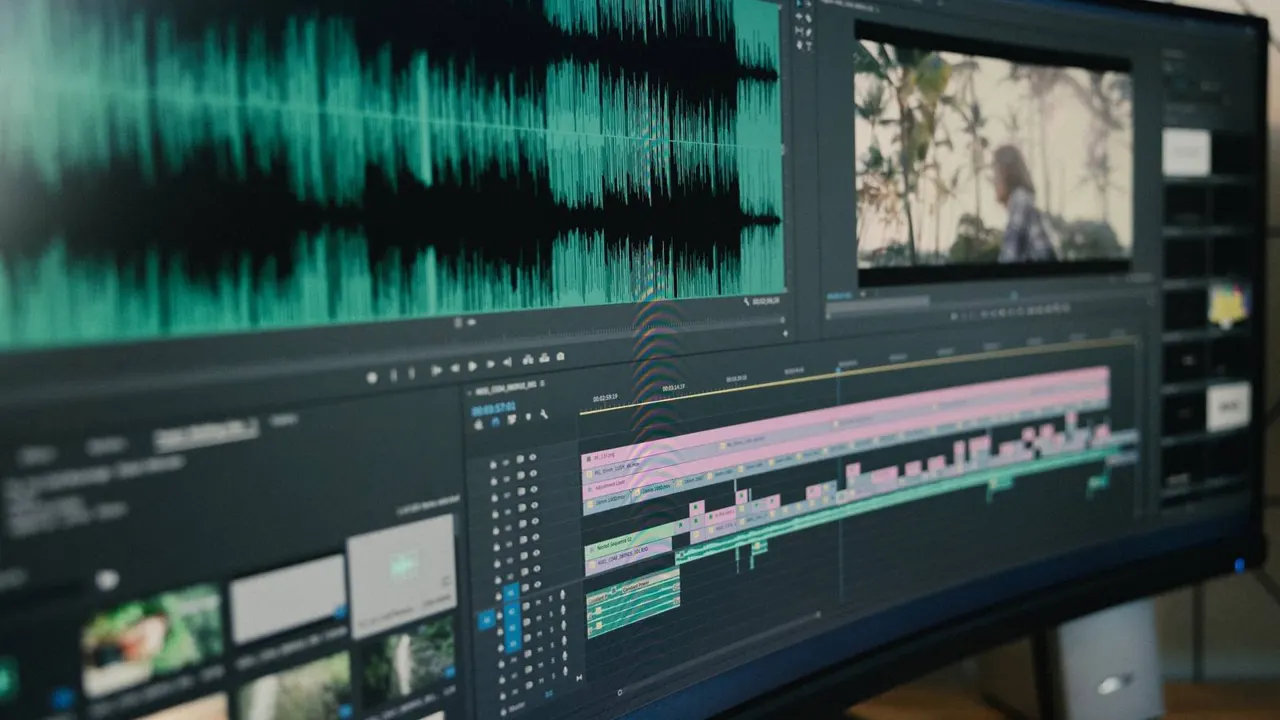
Every platform recompresses your upload, so the export you feed it decides how much quality survives. Export too low and the platform has nothing to work with; export absurdly high and you waste time uploading detail that gets crushed anyway. Jianying exposes resolution, frame rate and bitrate controls, and the right combination depends on where the video is going.
This guide gives you the settings our reviewer uses for short vertical platforms, explains what each control actually does, and covers the mistakes that make crisp edits turn soft after upload. If you are new to the app, start with Jianying download guide for the verified facts, screenshots and download information, then come back to this guide.
The three controls, in plain terms
Resolution is the pixel size of the frame: 1080 by 1920 is full HD vertical, the working standard for short platforms. Frame rate is how many pictures pass each second: match your source, usually 30 fps, or 60 fps for gaming and sport shot at 60. Bitrate is how much data each second of video gets, and it is the control most people ignore. Higher bitrate keeps detail in motion, text and confetti like scenes; too low and moving areas smear into blocks.
Jianying's recommended bitrate for a given resolution is a sane starting point. Step above it when your video has heavy motion, small text or film grain, all of which are expensive to encode.
Settings for short vertical platforms
For TikTok, Douyin, Reels and Shorts, export vertical at 1080 by 1920, at the frame rate you shot, with bitrate set above the default if the app allows a custom value. Upload the file over Wi-Fi and, in each platform's upload options, choose the high quality upload setting where one exists. Post from the phone you exported on when possible, since sending the file through chat apps compresses it before the platform ever sees it.
Keep captions and important text inside the central safe area, away from the right side buttons and the bottom caption zone of each platform's player. Sharp text placed under a platform button still counts as covered text.
Readers working through this topic usually also need our walkthrough on jianying auto captions: how to generate and style subtitles, which covers the neighbouring step in the same workflow.
Longer and horizontal videos
For horizontal YouTube uploads, export 1920 by 1080 for standard work, or 3840 by 2160 when your source is true 4K and your audience watches on televisions. A 4K upload also tends to receive better processing treatment from the platform, even for viewers who watch at 1080p. Match frame rate to the source and resist converting 30 fps projects to 60 at export, which adds file size without adding real motion information.
Whatever the platform, export one master at the highest sensible quality and keep it. Platform copies can be remade, but a deleted master cannot.
A two minute pre upload check
Watch the exported file once, full screen, on the phone. Check that captions are crisp, skin tones survived, and no section turned blocky in motion. Confirm the first frame looks deliberate, since it becomes the cover in many feeds. If anything disappoints, fix it in the project and export again. Two minutes of checking is cheaper than a soft video living on your channel for years.
Two more guides round out this workflow: slow motion and speed ramping in jianying, explained simply and jianying for pc: how to edit on windows and mac. Together they cover the steps before and after this one, so a full project never stalls on a missing piece.
A final note from our reviewer
Build one export preset per platform you publish on, and name it plainly inside your project notes. Presets stop the most common quality leak we see in reviews: a creator in a hurry exporting at whatever settings the last project used. Ten seconds of preset discipline protects every upload, and your future self will thank you the first time a deadline gets tight.
Frequently Asked Questions
What resolution should I export for TikTok and Shorts?
Does exporting at 4K make a 1080p video better?
Why does my video look sharp in Jianying but soft after upload?

Victor Liang
Victor Liang has spent nine years cutting short form video for creators and small studios, and he tests every editor on this site on real Android phones before a download page goes live. His bench work focuses on timeline performance, caption accuracy, export quality and how an app behaves on mid range hardware. More about Victor Liang