 JianyingAPK
Beat Sync in Jianying: Cut Your Video to the Music Automatically
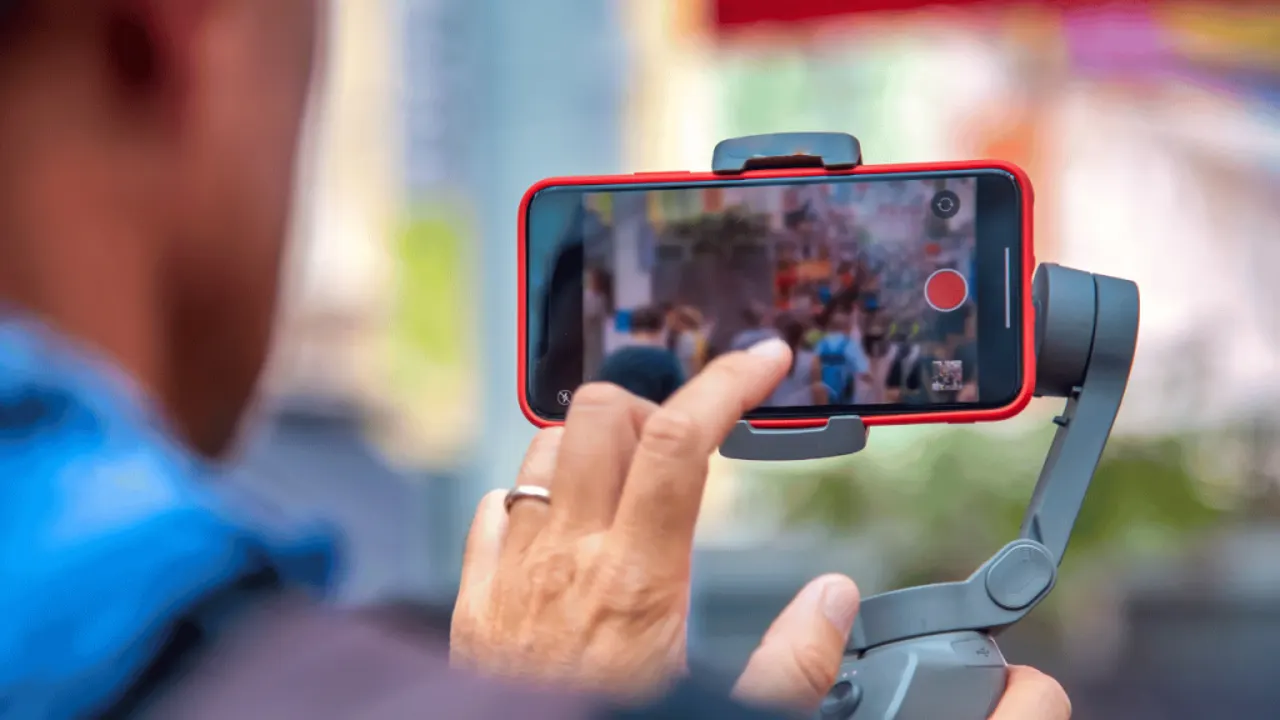
Rhythm is why some edits feel inevitable and others feel random. When cuts land on musical beats, viewers sense a pattern they cannot name, and they stay. Jianying helps with beat detection that marks the pulse of a track directly on your timeline, turning a fiddly manual job into a quick visual one.
This guide covers choosing tracks that cut well, generating and correcting beat markers, trimming clips to the marks, and balancing music against voice so the rhythm supports the story instead of fighting it. If you are new to the app, start with Jianying app for the verified facts, screenshots and download information, then come back to this guide.
Pick a track with a cuttable pulse
Beat sync works best on tracks with a clear, steady pulse: electronic, pop and hip hop instrumentals mark beautifully, while ambient and classical pieces with drifting tempo confuse detection. Preview the track and tap along; if you can tap a steady beat, the detector can find it. Choose the track before you cut the video, because the music's structure should decide where your shots change.
Note the track's big moments: the drop, the chorus lift, the quiet bridge. Plan your best footage for those peaks. A rhythm edit is really an energy edit, and the music already drew the energy map for you.
Generate and correct beat markers
Add the music to your project, open the audio tools, and run beat generation. Markers appear along the audio track. Scrub the chorus and check the marks against what you hear: detectors occasionally sit half a beat off in busy sections or miss a soft intro. Drag wrong markers into place and add missing ones manually at moments you plan to feature.
Zoom the timeline in while you correct. Beat work is frame work, and the wide view that suits story editing hides the small offsets your ear catches instantly on playback.
Readers working through this topic usually also need our walkthrough on jianying templates: find, customise and reuse winning formats, which covers the neighbouring step in the same workflow.
Cut clips to the marks
Trim each clip so its end lands exactly on a marker, and place striking actions, a jump, a door slam, a product reveal, right on strong beats. Not every beat needs a cut: cutting on every second or fourth beat in calm sections, then on every beat as the track lifts, creates the acceleration viewers love. Use speed ramps between markers for bonus movement, slowing into a beat and releasing after it.
Watch the result with fresh eyes once. If a cut feels early or late even though it sits on a marker, trust the feeling and nudge it a frame or two. Musicality lives in the perception, not the grid.
Balance music, voice and effects
When narration joins a beat edit, lower the music under speech and let it rise in the gaps; Jianying's volume controls and keyframes make those swells easy to draw. Keep sudden sound effects, whooshes and hits, slightly under the beat's own accents so they feel glued to the track rather than pasted over it. Export and listen on the phone speaker: rhythm edits live or die on small speakers, where weak bass changes which beats you can actually hear.
Two more guides round out this workflow: text to speech in jianying: natural voiceovers without recording and slow motion and speed ramping in jianying, explained simply. Together they cover the steps before and after this one, so a full project never stalls on a missing piece.
A final note from our reviewer
Save the beat grid habit for your drafts too: before exporting, mute the picture and listen once, then mute the sound and watch once. Rhythm problems announce themselves in one of those two passes, either a cut that lands nowhere or a beat with nothing to show. Two quiet minutes of checking is the cheapest polish in this whole workflow.
Frequently Asked Questions
How do I turn on beat markers in Jianying?
Why are my beat markers slightly off?
Should every cut land on a beat?
Victor Liang
Victor Liang has spent nine years cutting short form video for creators and small studios, and he tests every editor on this site on real Android phones before a download page goes live. His bench work focuses on timeline performance, caption accuracy, export quality and how an app behaves on mid range hardware. More about Victor Liang