 JianyingAPK
Jianying for PC: How to Edit on Windows and Mac
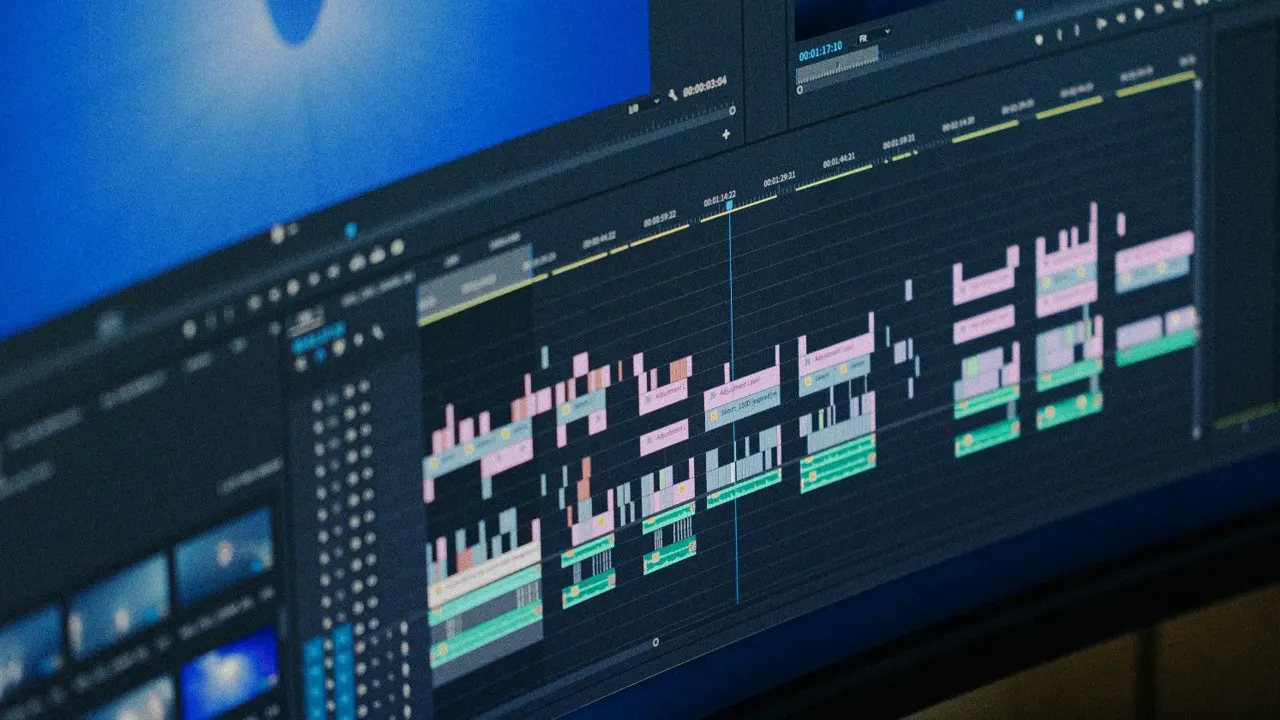
Editing on a phone is fast, but long projects deserve a bigger screen. Jianying has a full desktop edition for Windows and Mac, built by the same ByteDance team, with a wider timeline, keyboard shortcuts and easier file handling. Many creators start a rough cut on Android and finish on PC, or the other way around.
This guide explains what the desktop edition does differently, how to set it up, and how to move media and projects between devices cleanly. It also covers what to expect if you try running the Android app on a PC instead, so you can pick the route that fits your workflow. If you are new to the app, start with Jianying APK download for the verified facts, screenshots and download information, then come back to this guide.
What the desktop edition changes
The desktop editor keeps the same project model: a preview, a media bin and a multi track timeline with clips, audio, text and effects. The gains are practical. You can see more tracks at once, trim with a mouse at frame accuracy, and use shortcuts for split, delete and playback that cut editing time on long videos. Exporting is faster on most computers, and large files from cameras are easier to manage than on a phone.
Some mobile templates and effects arrive on desktop later, and a few phone only resources never cross over. If your style depends on a specific mobile template, build that section on the phone and finish the rest on the computer.
Set up and sign in
Install the desktop edition, open it, and sign in with the same account you use on mobile if you want cloud drafts to appear. Set your project folder on a drive with real free space: video caches grow quickly, and a nearly full system drive is the top cause of failed exports on PC. Before a big project, import one test clip and export ten seconds to confirm the machine handles your target resolution smoothly.
Map your media properly. Keep source clips in a single project folder rather than scattered across downloads and desktop folders, so nothing goes offline when you move or rename files later.
Readers working through this topic usually also need our walkthrough on how to install jianying apk on android, step by step, which covers the neighbouring step in the same workflow.
Move projects between phone and PC
The reliable pattern is simple: finish each device stage completely, export or sync, then continue. Cloud drafts carry the project structure when you are signed in on both devices, while media files may need to be present on the second device as well. For fully manual moves, export a high quality master from the phone and do finishing work, captions, colour and final export, on the PC copy.
Whatever route you choose, keep one master project. Editing two copies in parallel and merging later is where versions get lost, captions drift and exports multiply. Name exports with a simple version tag so the newest file is always obvious.
Android app on PC, and when it makes sense
Running the Android build inside an emulator gives you the exact mobile interface on a big screen, which helps if a tutorial you follow uses phone menus. Performance depends heavily on the computer, and export speeds rarely beat the native desktop edition. For daily work the desktop editor is the better tool, while the emulator route is a reasonable fallback for one specific mobile feature.
Two more guides round out this workflow: best jianying export settings for tiktok, reels and shorts and jianying not working? 9 fixes that solve most problems. Together they cover the steps before and after this one, so a full project never stalls on a missing piece.
Frequently Asked Questions
Is Jianying for PC the same as the phone app?
Can I open my phone drafts on PC?
Which is faster for export, phone or PC?

Victor Liang
Victor Liang has spent nine years cutting short form video for creators and small studios, and he tests every editor on this site on real Android phones before a download page goes live. His bench work focuses on timeline performance, caption accuracy, export quality and how an app behaves on mid range hardware. More about Victor Liang