 JianyingAPK
Jianying Audio Editing: Volume, Fades, Noise and Voice Tools
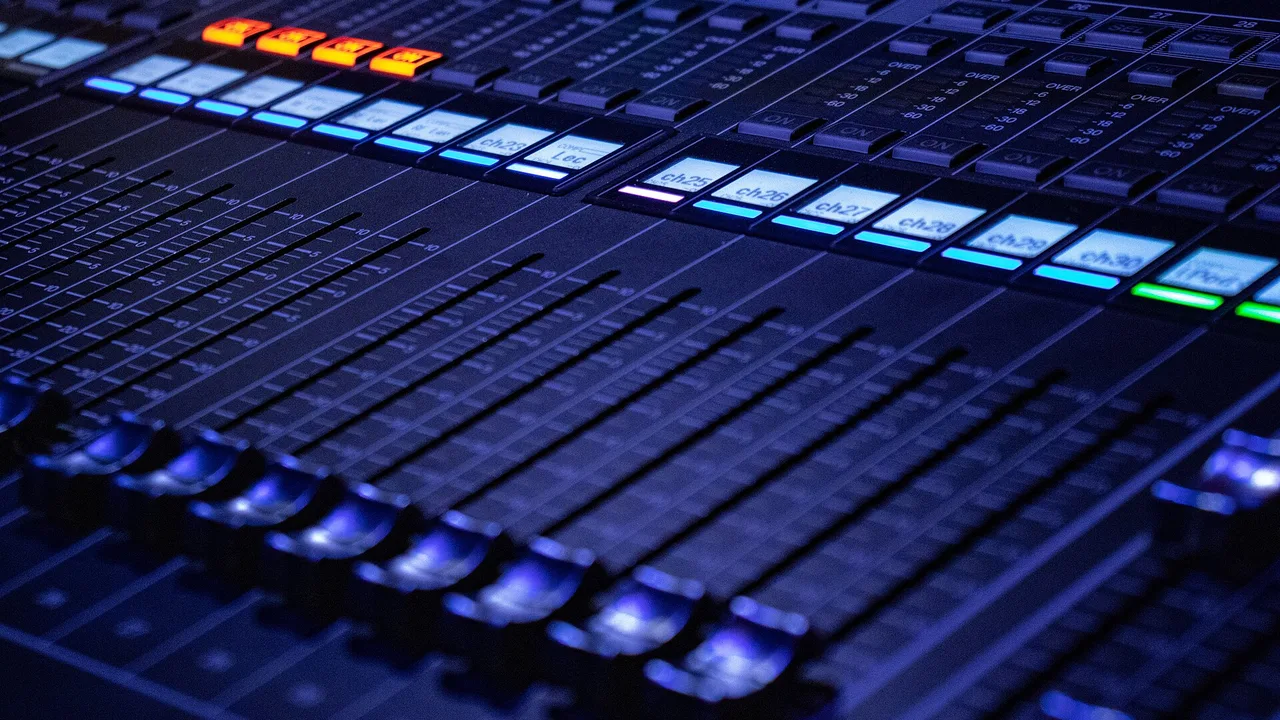
Viewers forgive soft footage long before they forgive bad sound. Jianying's audio tools cover the jobs that matter on a phone: clip volume, fades, audio keyframes, noise reduction, voice changing effects and the separation of vocals from a backing track. None of them need a desktop suite, but all of them reward a methodical pass after the picture edit is locked.
Work through this guide in order and your dialogue will sit at a steady level, your music will duck politely underneath it, and your exports will stop peaking into distortion. New editors can download Jianying for Android from the homepage, where the app facts and install steps are gathered in one place.
Volume, normalisation and the loudness target
Start with the dialogue track, because everything else is mixed relative to it. Select a clip and raise or lower its volume until speech sits comfortably loud without the meter kissing the top. Jianying's normalise option evens out clips recorded at different levels, which is a genuine time saver when a video stitches phone audio, camera audio and a voiceover recorded in another room.
Keep peaks a little below maximum. Exports that peak at the ceiling distort on phone speakers and get turned down by platform loudness rules anyway, so a slightly quieter, cleaner master wins twice.
Fades and audio keyframes
Every music clip should fade in and out, even if the fade is only a few frames. Hard audio starts and stops read as mistakes. For finer control, audio keyframes let volume travel inside a clip: dip the music for one important sentence, then let it breathe again. Place keyframes in pairs, one where the dip starts and one where it ends, and keep the slopes gentle so the change feels like a hand on a fader rather than a switch.
The same technique rescues location audio. A passing motorbike or a door slam can be keyframed down for its two bad seconds instead of forcing a retake of an otherwise perfect clip. Readers working through this topic usually also need our walkthrough on jianying text to speech: voices, pacing and natural delivery, which covers the neighbouring step in the same workflow.
Noise reduction and voice tools
Jianying's noise reduction targets the steady sounds that ruin phone recordings: fan hum, air conditioning, light traffic wash. Apply it to dialogue first and listen on headphones, because heavy reduction adds a watery artefact to voices. The right amount removes the room without touching the person. Voice effects and the vocal separator sit one step further along: the separator can pull a song apart into vocal and accompaniment stems, which is how creators build clean backing tracks for covers and duets.
Record the cleanest source you can before leaning on any of this. Noise reduction rescues usable audio; it does not rebuild audio that was recorded across a noisy street.
Music under speech: manual ducking
Jianying does not force an automatic ducking workflow, so do it manually with keyframes: mark where speech starts and ends, and bring the music down by ear underneath it, usually to somewhere between a third and a half of its open level. Check the result on the phone speaker, not just headphones, because that is where muddy mixes reveal themselves.
Two more guides round out this workflow: jianying beat sync: cutting video to music markers and jianying export settings: resolution, bitrate and format explained. Together they cover the steps before and after this one, so a full project never stalls on a missing piece.
A final note from our reviewer
One last practical note from our bench: do the audio pass last, on fresh ears, and at the volume your audience will actually use. Mixing choices made at high volume on headphones rarely survive a phone speaker on a bus. Ten quiet minutes of level checking at the end saves more videos than any single effect in the app.
Frequently Asked Questions
How do I fade music in and out in Jianying?
Can Jianying remove background noise from a voice recording?
How do I make music quieter under dialogue?

Victor Liang
Victor Liang has spent nine years cutting short form video for creators and small studios, and he tests every editor on this site on real Android phones before a download page goes live. His bench work focuses on timeline performance, caption accuracy, export quality and how an app behaves on mid range hardware. More about Victor Liang