 JianyingAPK
Jianying Old Versions: When an Older Build Makes Sense
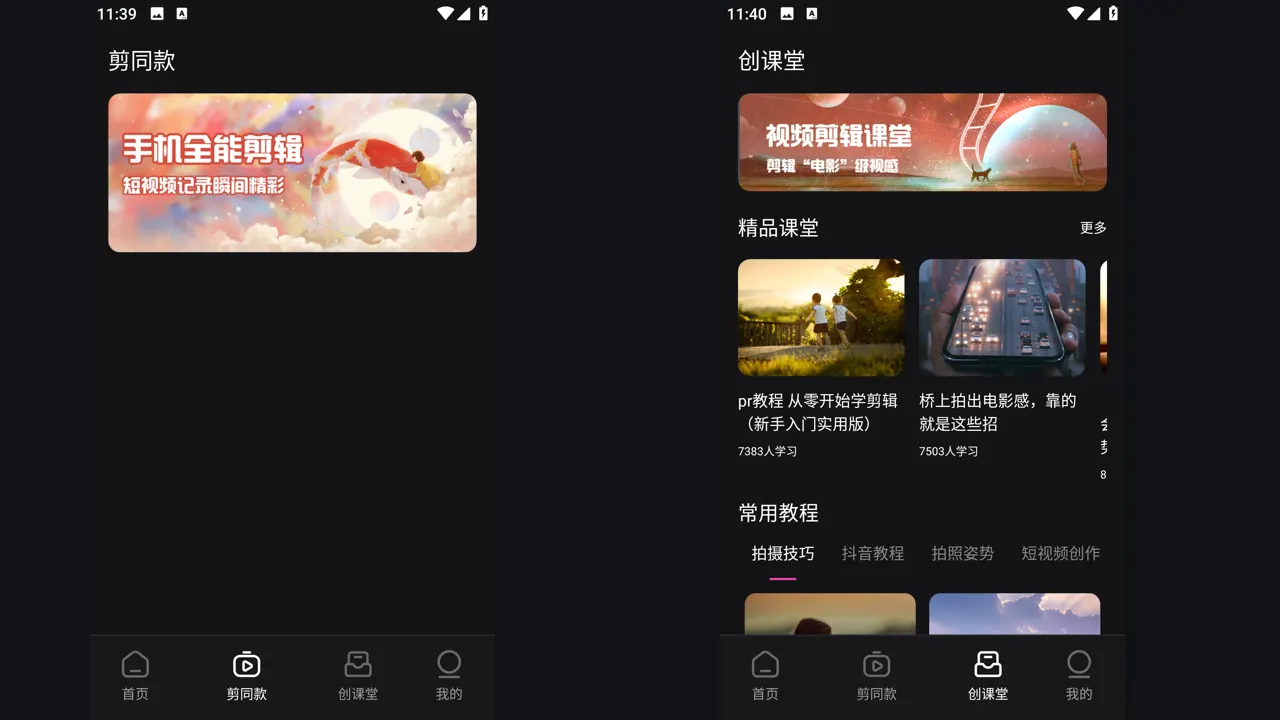
Most users should run the current Jianying build, and our download page tracks the latest version for that reason. Still, there are honest cases for an older version: a low storage phone that struggles with the newest package, a workflow built around a feature that moved, or a device where the newest build has a bug the next update has not fixed yet.
This guide explains those trade offs plainly, how version numbers work in the Jianying line, and the careful order for rolling back so drafts and resources survive. It also covers when rolling back is the wrong answer. If you are new to the app, start with Jianying video editor for the verified facts, screenshots and download information, then come back to this guide.
What changes between versions
Jianying updates frequently. A typical release refreshes templates and effects, tunes AI tools such as captions and cutout, fixes export bugs, and sometimes rearranges menus. A recent build at the time of our review is version 20.2.0 at a little over 400 MB, which shows how much resource content the modern editor carries. Older builds are smaller and simpler, which is exactly why they suit weaker phones.
The cost of staying old is real too: catalogue features tied to servers may quietly stop working, new templates never arrive, and security fixes in later releases never reach you. Treat an old version as a tool for a specific job, not a permanent address.
Roll back without losing your work
Order matters. First, export every draft you care about to finished video files. Second, note your version and settings. Third, uninstall the current build, because Android will not install an older version over a newer one with the same signature path. Fourth, install the older build, sign in, and test with a fresh project before touching anything important.
Downloaded templates and resources from the newer build do not travel backward, so expect the older app to fetch its own resources again on first use. Keep the phone on Wi-Fi for that first session and give it time to settle before judging performance.
Readers working through this topic usually also need our walkthrough on jianying not working? 9 fixes that solve most problems, which covers the neighbouring step in the same workflow.
Choose the right older build
Go back the minimum distance that solves your problem: one or two releases usually restores a moved feature or dodges a fresh bug while keeping most fixes. Reaching back years trades your current problem for a pile of old ones, including catalogue and sign in issues. If storage is the constraint, also clear the app cache and move exports off the phone before blaming the version; many large installs shrink dramatically after housekeeping.
If a current build bug is your reason, check again after each new release. Bug driven rollbacks should be short, and returning to the current version restores your security and catalogue position.
When not to roll back
Do not roll back to chase a template that rotated out of the catalogue, since server side shelves decide availability more than the app version does. Do not roll back on a phone you also use for banking if the old build is years behind on fixes. And never install an old build from a source you cannot verify: old version archives are a favourite hiding place for repacked apps.
Two more guides round out this workflow: how to install jianying apk on android, step by step and is jianying safe? permissions, privacy and sensible precautions. Together they cover the steps before and after this one, so a full project never stalls on a missing piece.
A final note from our reviewer
Whichever build you settle on, write its version number in the project notes of anything important you are editing. Months later, when a client or a viewer asks how a video was made, or when you return to finish a paused series, that one line tells you exactly which editor state produced the work and which device settings to match.
Frequently Asked Questions
Can I install an older Jianying over the current one?
Will my drafts survive a rollback?
Which old version should I pick?

Victor Liang
Victor Liang has spent nine years cutting short form video for creators and small studios, and he tests every editor on this site on real Android phones before a download page goes live. His bench work focuses on timeline performance, caption accuracy, export quality and how an app behaves on mid range hardware. More about Victor Liang